Posts

Showing posts with the label Desired State Configuration

Configuring Virtual Machines Using Desired State Configuration - Part 6 - Azure Automation
Image
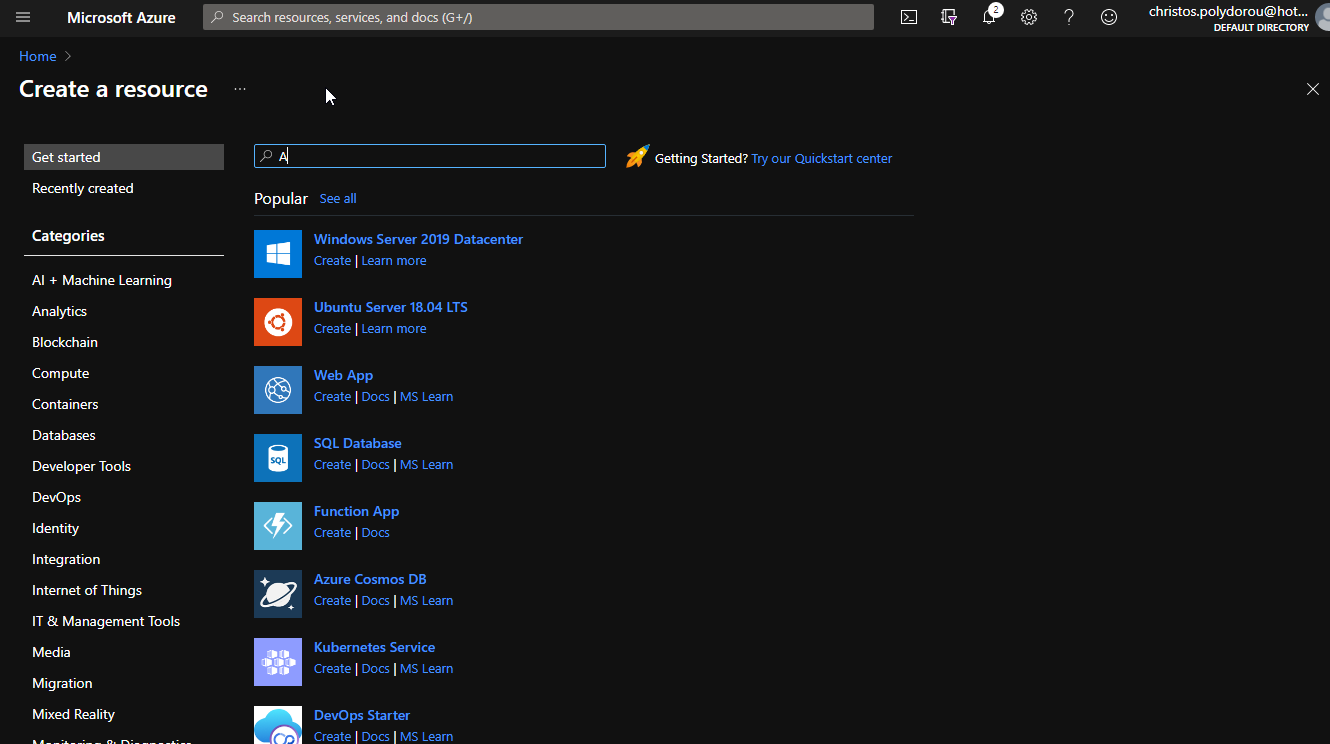
Continuing the post series about Microsoft DSC and a long break from Azure Global, we are going to see how Azure Automation Accounts help with DSC configurations on Azure Virtual Machines. First, we are going to deploy an automation account and then we're going to register a Windows Server VM to it so that it gets and applies our configuration. To deploy an Automation Account, navigate to the Azure Portal and search for "Automation". Select the Automation offering from Microsoft and click "Create". You will then have to select a name for your automation account, the subscription and resource group to deploy to and the location. When done with the deployment options, hit create to submit the deployment. The process should be much like the following (hover to animate): Now that we have created an Automation Account, we need to upload and compile a configuration, so that it...

Configuring Virtual Machines Using Desired State Configuration - Part 5 - Creating a Pull Service

Image
Hello and welcome to an article on how to create your own Powershell DSC Pull Service. This is the fifth article of the series and things are starting to build our own DSC infrastructure.  To configure the DSC Pull Service we are going to need a windows server machine running at least Powershell v5 and a certifite. For the purpose of this post, I've created a dedicated machine and the certificate that I'm going to use is issued by my Active Directory Certificate Services. What would be the easiest way to create a Pull Service? DSC of course. We are going to push a DSC configuration to our machine that is going to convert it to a DSC Pull Service! First off, we're going to need that certificate installed in the Personal container of the machine. I prefer using my CA to issue certificates since it is trusted by all the domain member machines and for this one I've enrolled for a certificate based on the Web Server template: You can use any web server certificate as long as...

Configuring Virtual Machines Using Desired State Configuration - Part 4 - Applying Configurations

Image
Welcome to the fourth article of the Desired Configuration series! Today we're going to discuss more on the ways you can apply configurations to virtual machines and how to examine the LCM verbose output. Without further ado, let me present the two ways you can apply configurations: Push and Pull. Push The push method is the simplest, we just send the configuration to the node and from then on the node has to act accordingly. We just sit and watch. Let's go through the process of pushing a configuration to a node. I'm going to be using my domain controller machine as the management host to avoid touching the node at all. First we have to put together the configuration itself. Here we are going to use a configuration from one of the previous posts that installs the Web-Server role and copies a web page file. We'll confirm that the Web-Server role is not installed on the node using the Get-WindowsFeature cmdlet: Great, IIS is not installed. Now, the default LCM configura...

Configuring Virtual Machines Using Desired State Configuration - Part 3 - Authoring Configurations

Image
Following my previous post on how to configure the LCM, we are now going to deep dive into configurations and how to author them. We'll start with a very simple configuration and work our way to a more complicated one. In the first article of the series we configured a server with the Web-Server windows feature using the below configuration: 1 2 3 4 5 6 7 8 9 10 11 12 13 14 15 16 17 18 19 20 21 22 23 24 25 Configuration WebApp001 { # Import the module that contains the resources we're using. Import-DscResource -ModuleName PsDesiredStateConfiguration # The Node statement specifies which targets this configuration will be applied to. Node 'localhost' { # The first resource block ensures that the Web-Server (IIS) feature is enabled. WindowsFeature WebServer { Ensure = "Present" Name = "Web-Server" } # The second resource block ensures that the website conten...

Configuring Virtual Machines Using Desired State Configuration - Part 2 - Local Configuration Manager

Image
In the previous post of the series (available here ) we went through an introduction of Powershell DSC and how it can help with configuring virtual machines. This post is going to be about the Local Configuration Manager, also known as LCM, the engine that is the heart of DSC. When a configuration file is pushed to a node, the LCM is the component that is responsible for performing all the operations in order to bring the system to the desired state. Apart from that, LCM can also monitor the system for configuration drift and take actions in order to remedy it. LCM works with files in the C:\Windows\System32\Configuration directory and there are three of them in particular that you should be aware of: Current.mof . This is the file that contains the current configuration. Previous.mof . This file contains the previous configuration that was applied to the system. Usefull for reverting to a previous state. The following screenshot shows the above files: Pending.mof.  When a configu...

Configuring Virtual Machines Using Desired State Configuration - Part 1 - Introduction

Image
With the ever evolving world of cloud, organizations need to deploy and configure resources faster and in a more controlled manner. Although Azure ARM and other tools like Terraform provide the ability to manage all the resources as code and just submit deployment jobs, we sometimes need a bit more, especially when it comes to virtual machines. Microsoft Desired State Configuration is a technology that helps to approach the guest operating system of virtual machines is a similar manner. So, what is DSC exactly? As per Microsoft Docs,  DSC is a management platform in PowerShell that enables you to manage your IT and development infrastructure with configuration as code. But what does that mean to the everyday consultant or administrator? With DSC, you are able to describe the configuration to be applied to a virtual machine and then the engine will take any steps necessary in order for the machine to reach that state. DSC can also manage configuration drift and not only apply config...

Configuring Virtual Machines using Azure Automation DSC

A few days ago, I published an article on how to apply a DSC configuration on an Azure Virtual machine. Although there's nothing wrong with publishing a configuration on an Azure Storage Account and having the machines apply it, there's a better way. Azure offers a service called Automation Accounts, that among  other things, let's you publish configurations, register nodes in order to apply them and report on the node status. Let's see how to get it working! We are going to need and Azure Automation Account to host the configurations, so let's create one: PS C:\> New-AzureRmAutomationAccount -ResourceGroupName "Blog-DSC" `                                      -Name "BlogDSCAutomationAccount" `                                      -Plan Free `           ...

Configuring Azure VMs using Desired State Configuration

Image
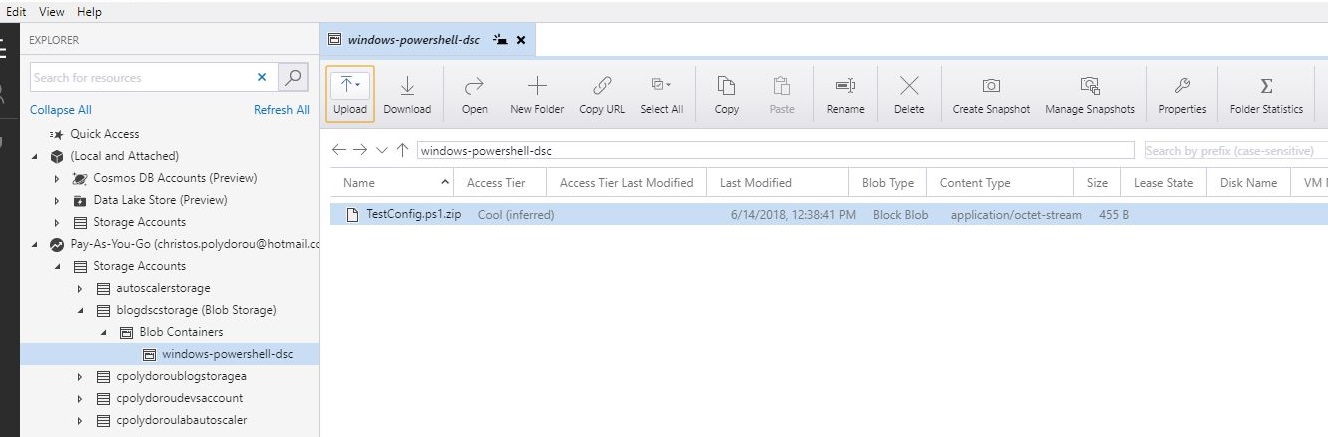
Lately I've been working on a project to automate the provisioning of virtual machines on Azure using Azure Resource Manager. The need to apply configuration on the OS level came up and the proffered way was Desired State Configuration. On this article, we are going to publish a configuration and configure a virtual machine to apply it. First we are going to log in and select the subscription that we are going to use: PS C:\>Login-AzureRmAccount Account          : c******s.p******ou@******* SubscriptionName : Pay-As-You-Go SubscriptionId   : e******a-8**c-4**3-9**7-b**********9 TenantId         : 5******f-d**2-4**4-a**e-7**********7 Environment      : AzureCloud PS C:\>Get-AzureRmSubscription |            Out-GridView -PassThru -Title "Select the subscription to use" |                Select-AzureRmSubscription Name ...