How to deploy Bicep templates using Azure DevOps Pipelines
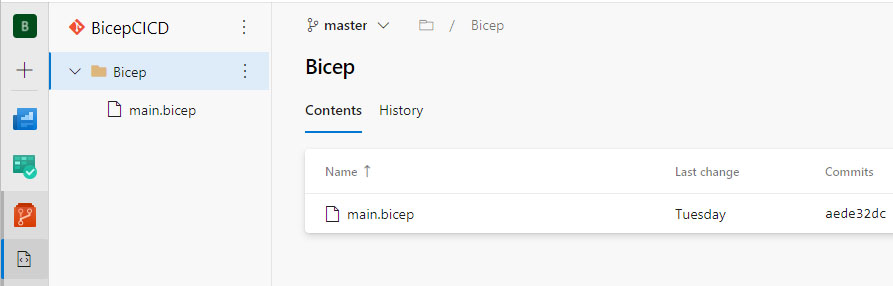
In this article, I'm going to walk you through submitting Azure Deployments using Bicep files from Azure DevOps. Unfortunately, up until now, there is no official task for this need, so we are going to use Azure CLI instead. We'll start with creating a new pipeline, so open your project in Azure DevOps, switch to the Pipelines view, and hit the new pipeline button. We're going to use the classic edition for this demo, so go for the Use the classic editor option at the bottom. The first step of a build pipeline is to select the source that contains your code. For this, I've created a Git repository in the same project that contains a bicep file and looks like this: By default, the source repository is going to be set to Azure DevOps, which is fine for our case: Moving on to the next step, we're presented with some template options for the pipeline. We'll start with an empty pipeline that we'll build ourselves so click the Empty Job option. The next screen i...
