Collecting IIS log files on OMS
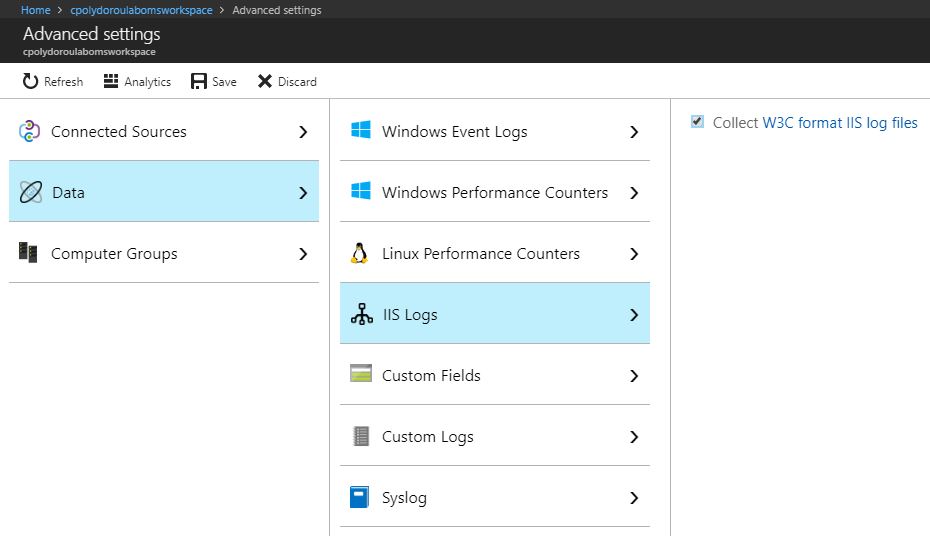
Moving on to the next article about Azure OMS, we'll start collecting IIS log files in order to be able to examine the requests and report on website usage. In order to start collecting IIS logs, we first have to enable the feature on the workspace. Don't forget to click save after enabling the setting. Give it some time and the agents should pickup the change and start uploading the logs. Moving on to the query part, I'm going to use my Exchange servers again, since they have websites that I would like to get statistics for. First, we'll summarize the requests per website: Then, we will extract statistics regarding the user agents used: Finally, we'll extract the number of requests on each Exchange virtual directory: I should mention here that the IIS log files have to be stored in W3C format and custom fields or IIS Advanced Logging are not supported at this time. Have fun! Related articles Introduction to Azure Advanced Analyti...